TYPO3 and interfaces – When third-party systems suddenly communicate
CRM, ERP, applicant management, personnel and bylaw databases – the list of systems that need to communicate with TYPO3 is constantly growing. How can integration be achieved smoothly? A practical guide for developers and technical project managers.
Documentation: The underestimated success factor
Did you know that missing or incomplete API documentation is the most common reason for project delays when it comes to interface integrations? In our experience, every undocumented interface adds at least 30% to development time.
"Is there any documentation for this?" – We ask this question first in every project. The answer significantly influences the project's subsequent progress.
Ideally, interface documentation exists that goes beyond what systems like Swagger automatically generate. What's almost always missing: example requests for common use cases. "List all records," "Find records based on properties," "Download a single file" – such standard requests should be documented.
The reality is often quite different: no documentation exists. In this case, we, as a TYPO3 service provider, create it ourselves – before the first line of code is written.
Our rule: Documentation must always exist. If necessary, we create it ourselves.
Clarify the technical framework
Before development begins, some fundamental questions need to be answered. This checklist has proven useful in our projects:
Security: What authentication method is used? API key, OAuth, session token? Is an IP whitelist required or advisable? Is read-only access sufficient, or are write operations also required?
Performance and stability: How quickly does the API respond under load? Are there availability SLAs? Are there rate limits that need to be considered?
Data volume: How many records does the source system contain in total? How large is a single record? Can the payload be reduced by requesting only the necessary fields?
Functionality: Does the API offer a search function? Is pagination available for large result sets? Are records uniquely identified (e.g., by a UID)? How are assets such as images or PDFs provided?
Note: In a recent person database we connected for a university, we discovered that while the API supports pagination, it does not return a total number of results. However, this information can be crucial for frontend development.
Caching strategy: Import or ad-hoc?
Experienced developers have already developed a sense of which strategy is the right one after the technical analysis:
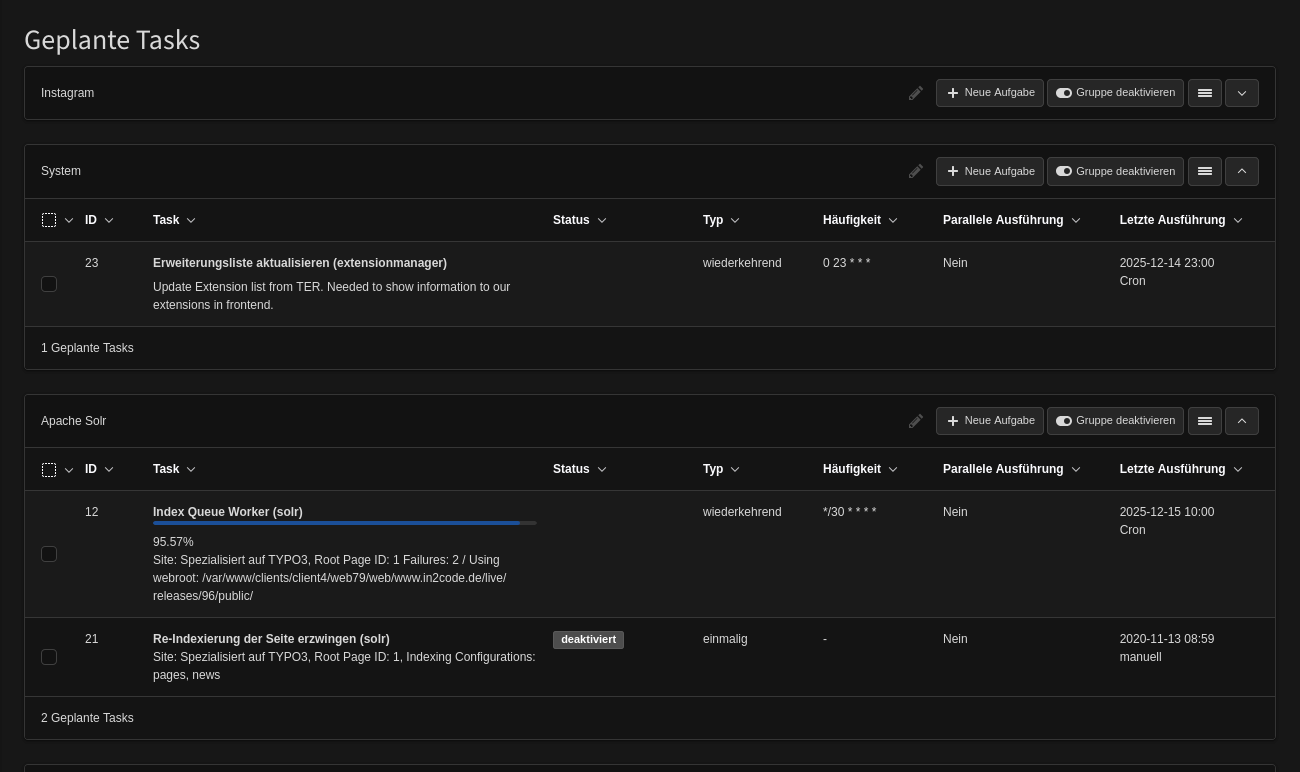
Option A: Nightly Import via Scheduler
Suitable for: large data volumes, slow APIs, high frontend traffic, complex filtering and sorting.
The scheduler regularly imports the data into local TYPO3 tables. The frontend works exclusively with the local data – quickly, reliably, and regardless of the availability of the source system.
Option B: Ad-hoc Query in the Frontend
Suitable for: real-time requirements, small data volumes, fast APIs, low traffic.
The data is retrieved directly from the API with each page request. Optionally, a TYPO3 cache can be used for a defined period.
Tip: When integrating an HR module with job postings into TYPO3 for an insurance company with few documents and moderate traffic, we deliberately opted against an import. The API was fast enough, the data needed to be up-to-date, and the development effort for an importer would not have justified the benefit.
Initial tests: Before code is written
Before actual development begins, practical testing is essential. Tools like Postman or the HTTP client in PhpStorm are popular—however, we prefer simple CURL requests on the command line.
Why CURL?
- Simple and easy to understand
- Reproducible by any developer
- No tool installation required
- Perfect for documentation
Example: Authentication against an API
curl -H 'Accept: application/json' \
     -H 'Authorization: Bearer IhrApiKey...' \
     -k https:// api.beispiel.de/auth/login
Example: Retrieving a record list with pagination
curl -H 'Accept: application/hal+json' \
     -H 'Authorization: Bearer SessionToken...' \
     'https:// api.beispiel.de/records?pagesize=10&page=1'
Example: Filtered retrieval by properties
curl -H 'Accept: application/hal+json' \
     -H 'Authorization: Bearer SessionToken...' \
     'https:// api.beispiel.de/records?properties={15:["Master"]}'
These tests help develop a feel for the API: Where does it hang? Which fields are returned? How is the data structured? Does authentication work as documented?
Important: Working example requests belong in the documentation. They are invaluable for any developer who later works on the project.
Practical example: TUM statutes database
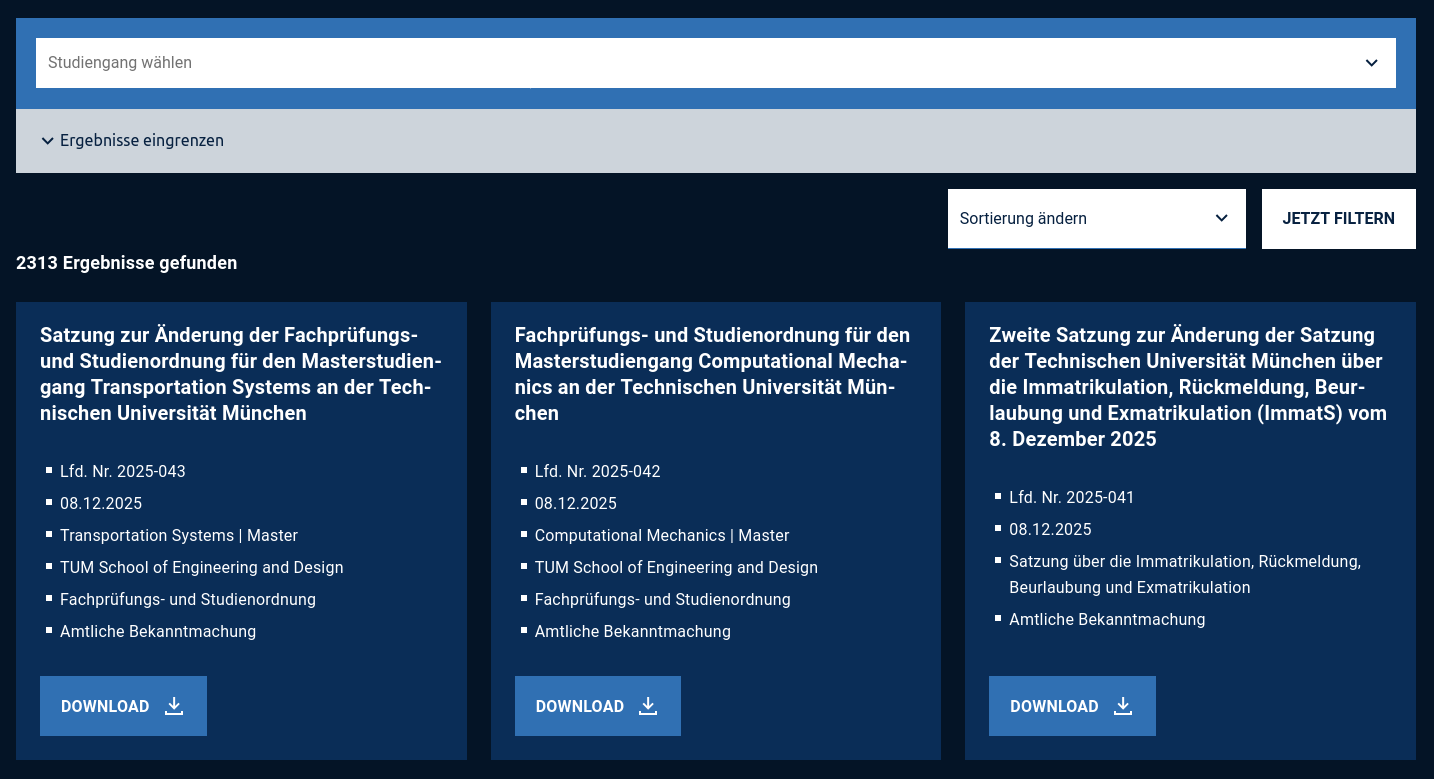
At the Technical University of Munich, we integrated a statutes database – an external system based on an Oracle database. The requirement: to display statutes of various categories and versions in a searchable and filterable way within the TYPO3 frontend.
After the technical analysis, it was clear: the API is performant enough for ad-hoc queries. A nightly import would have been overkill. The TYPO3 extension makes queries directly to the database and outputs the result via Fluid.
The result: a lean extension without local data storage that nevertheless fulfills all requirements – including filtering by faculty, degree, and statute type, as well as downloading the PDF documents.
Conclusion: Interfaces are not rocket science.
API integrations follow a clear pattern: ensure proper documentation, clarify the technical requirements, define a caching strategy, and test. Following these steps carefully will prevent unpleasant surprises.
The good news: TYPO3 offers all the tools for professional API integrations – from scheduler tasks and caching frameworks to Extbase repositories. You just need to use them correctly.
Are you planning an API integration for your TYPO3 project? We have already integrated a wide variety of APIs – from simple REST services to complex enterprise systems. Contact us.

![[Translate to English:]](/fileadmin/_processed_/c/b/csm_seo-search-engine-optimization-2025-06-05-13-10-44-utc_208cc50996.jpg "[Translate to English:]")